Why
What I wrote at the time:
I like reading books, listening to podcasts and watching videos, and I keep my notes in Notion. Typing in the details of each source by hand is tedious, so I wanted an API to import them into Notion.
How it’s used
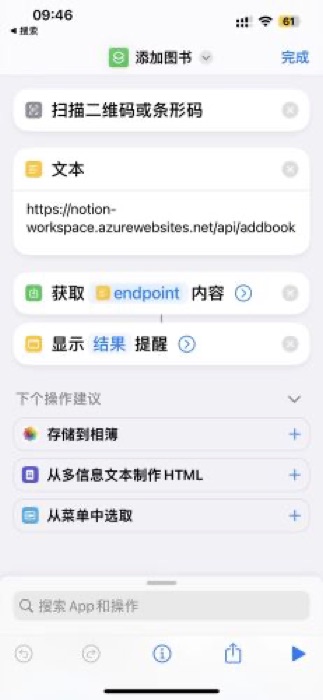
Tap a shortcut on the phone, scan the barcode on the back of a book, and a few seconds later there’s a new row in Notion with everything filled in.
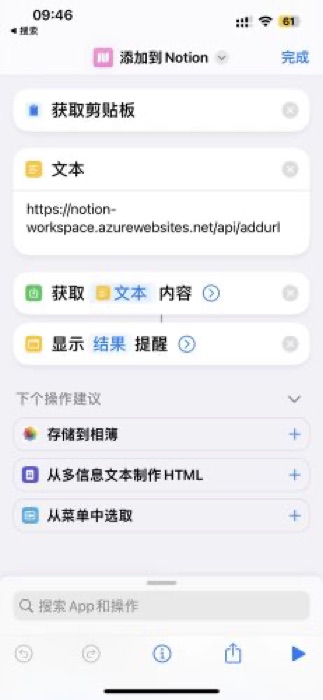
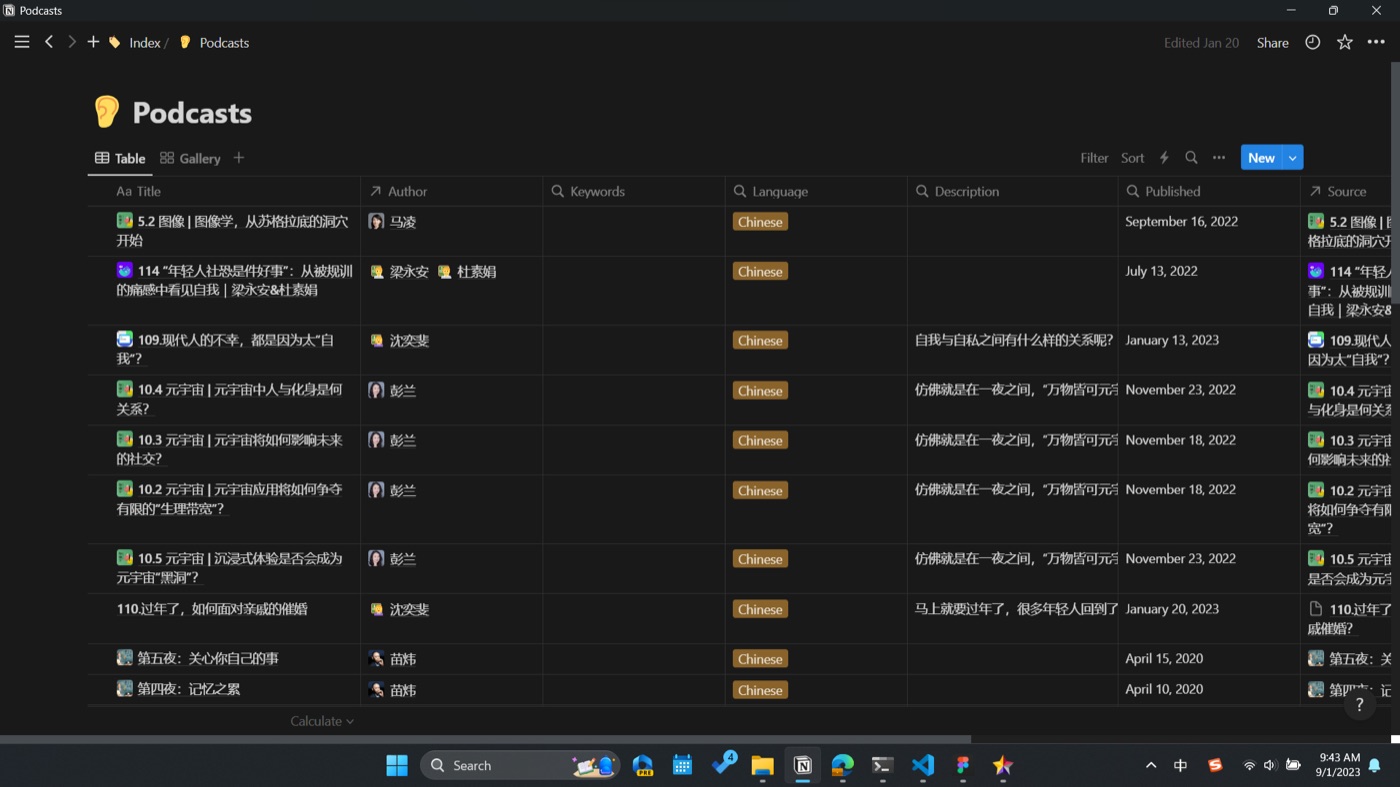
Podcasts work the same way: paste a Xiaoyuzhou link, and the title, hosts, date and description are filled in.
How it was built
- Scrape pages from Douban, SanLian ZhongDu and Xiaoyuzhou, and pull out the fields with BeautifulSoup;
- write them into several Notion databases: books, podcasts, sources, and people (authors, translators, hosts);
- deploy on Azure Functions, so there’s no server to run;
- tested with pytest.
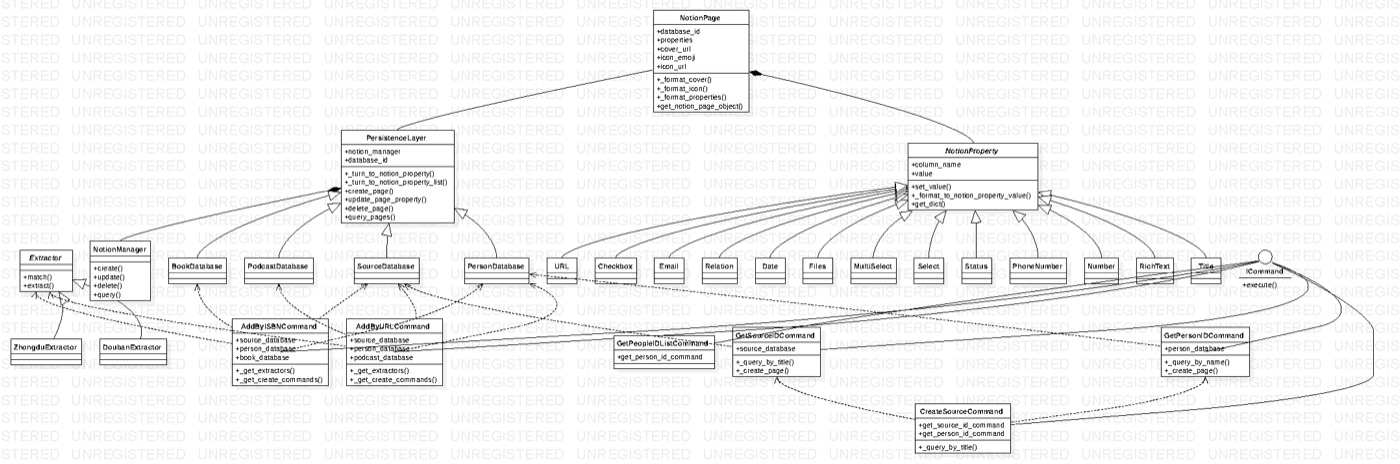
Before writing it I drew a class diagram: scrapers on one side (one each for Douban and SanLian ZhongDu), Notion on the other (the databases and Notion’s field types), joined by commands like “add a book by ISBN” and “add by link”.
Later
The scan-an-ISBN part went into my graduation project Bookworm a year later.