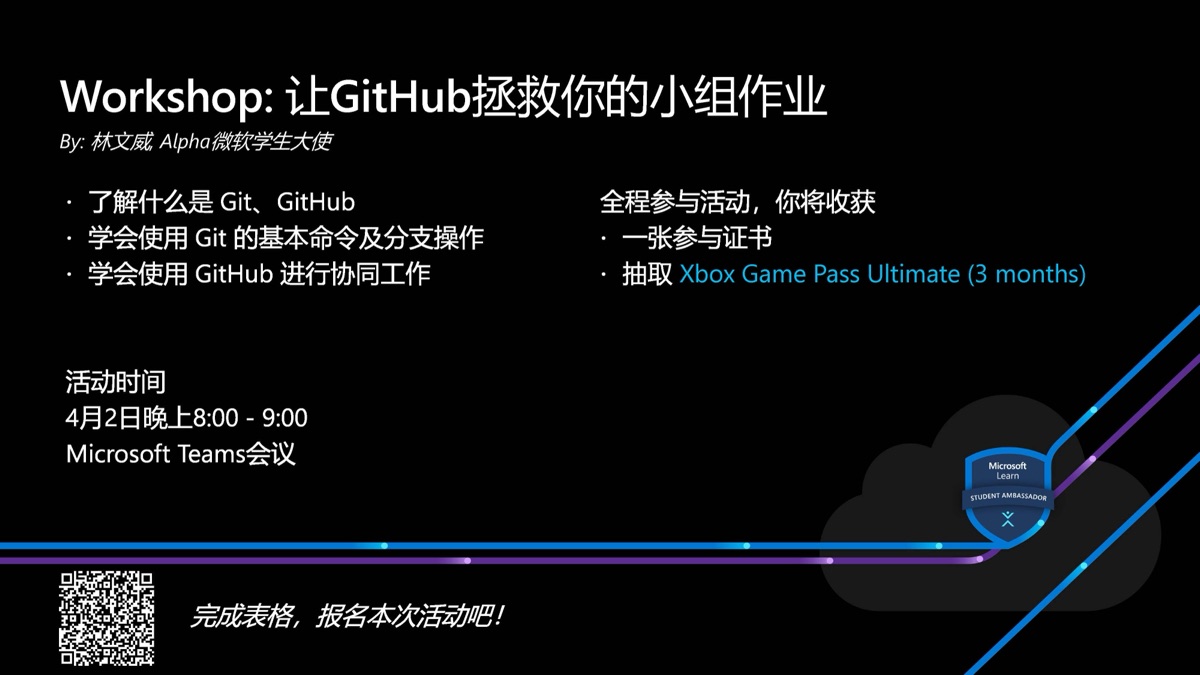
This was the first event I ran as a Microsoft student ambassador. The introduction I wrote: whether you’re working on open source or a group assignment, GitHub helps you communicate and collaborate. The workshop walks through it all with a small example, a login page.
Why I ran it
I picked Git because I wasn’t good at it myself:
I wasn’t very good with git back then, so I used the git workshop to learn as I went and share how to use it. Now at work, dealing with git is genuinely fun.
Preparing
- I started planning the content in February: pull requests, issues, centralised vs distributed version control, setup, branches;
- the week before, I finished the “Introduction to version control with Git” path on Microsoft Learn;
- on the university side there was the society paperwork: an application, a plan, an approval form and an activity record;
- I announced it in the student ambassador community: “I’m super excited to announce my first event”; Yousra reminded me, “Wen wei, don’t forget to add the form link where people will register to get the meeting link”;
- I emailed attendees before the event; the repo listed what to set up (Git, VS Code, a GitHub account, SSH), and I wrote a handout on configuring SSH for GitHub.
What we covered
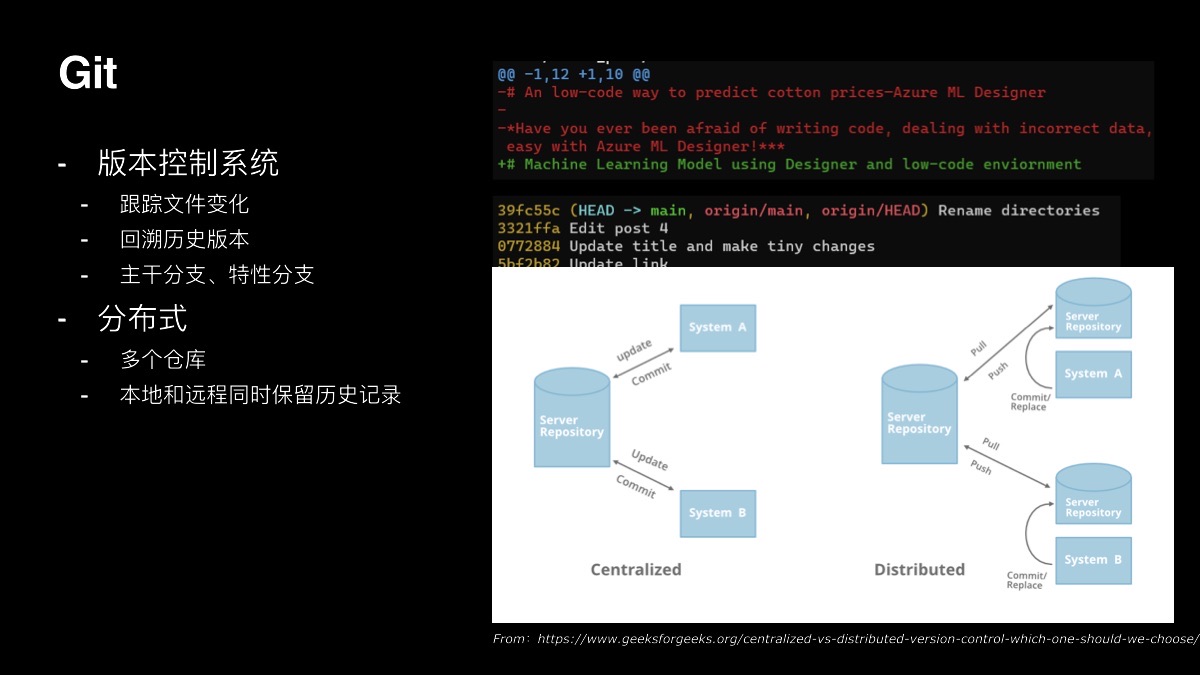
- What Git and GitHub are: version control tracks changes and lets you go back; Git is distributed, so local and remote both keep the full history; GitHub hosts repositories and supports collaboration.
- Creating a Git project (Yousra’s part): user settings, init, staging, commits, history;
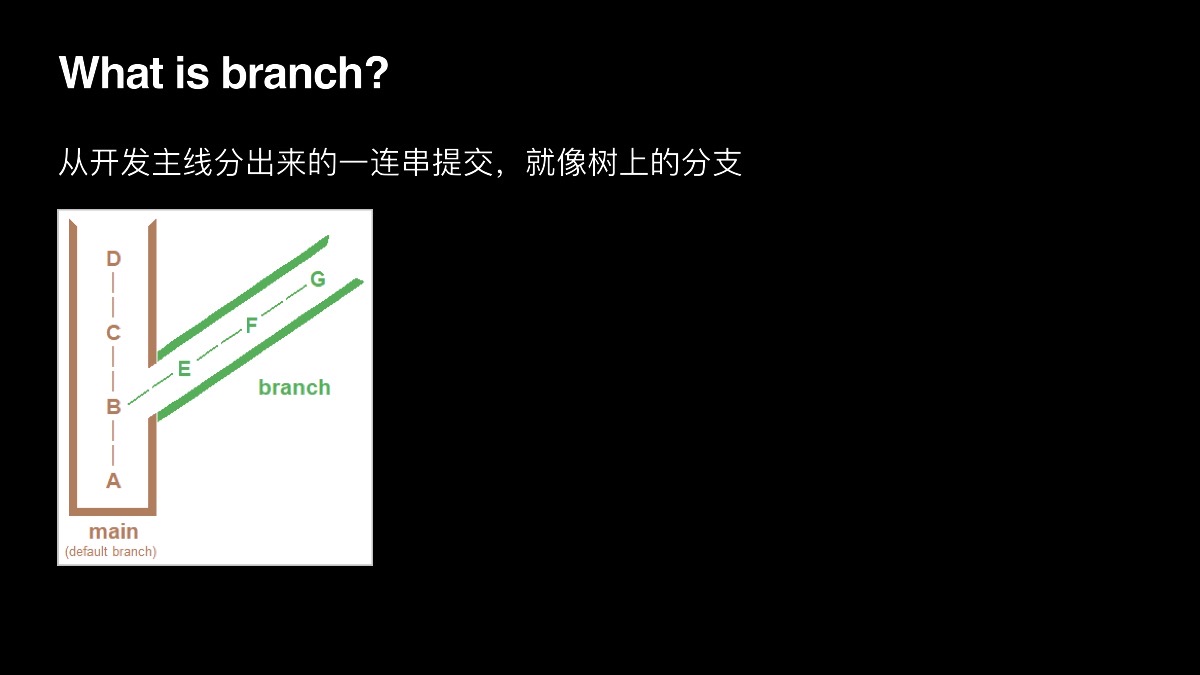
- Working on branches: a branch is “a series of commits branching off the main line, like a branch on a tree”;
- Pushing to GitHub: create a remote, push, and publish a page with GitHub Pages;
- GitHub Flow: branch → change → open a pull request for feedback and review; issues for ideas and bugs; forks.
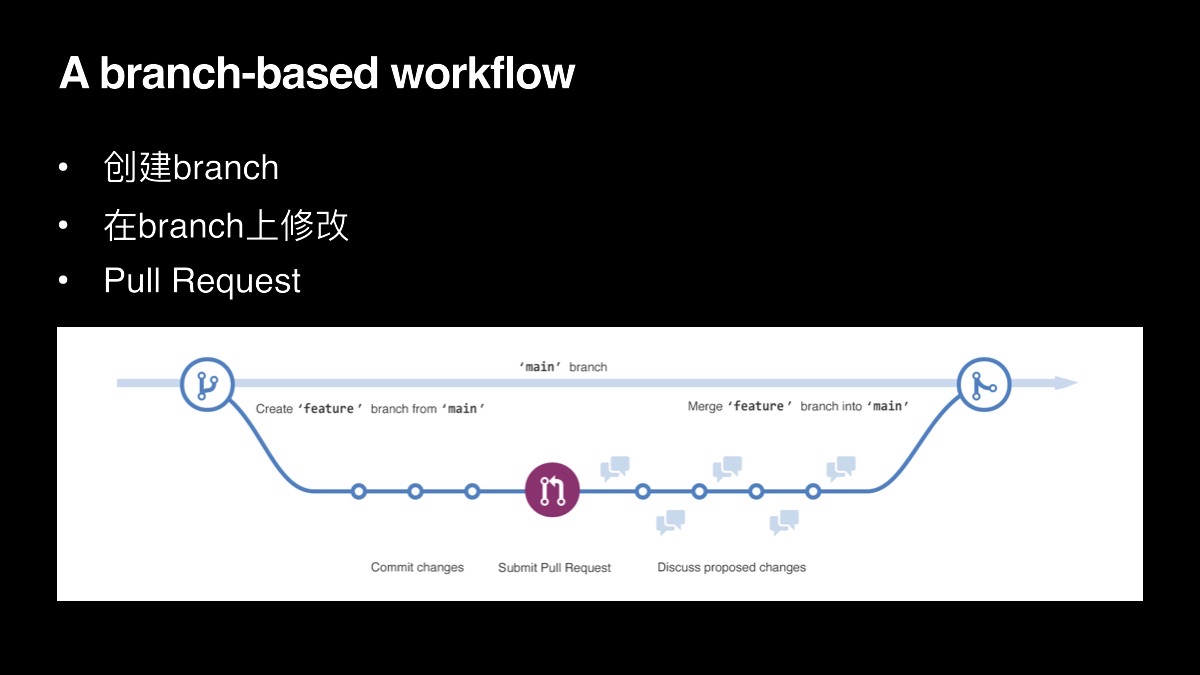
The last slide: “Use GitHub flow in your Group Homework next time!”
How it went
The meeting ran from about 7:30 to after 9 p.m., and Teams counted 35 attendees. Afterwards I sent each person a certificate one by one, and the winners got Xbox Game Pass.